 Senka Wolf
H&S Portal
Health & Safety Web App / Node.js / Bootstrap 5
About
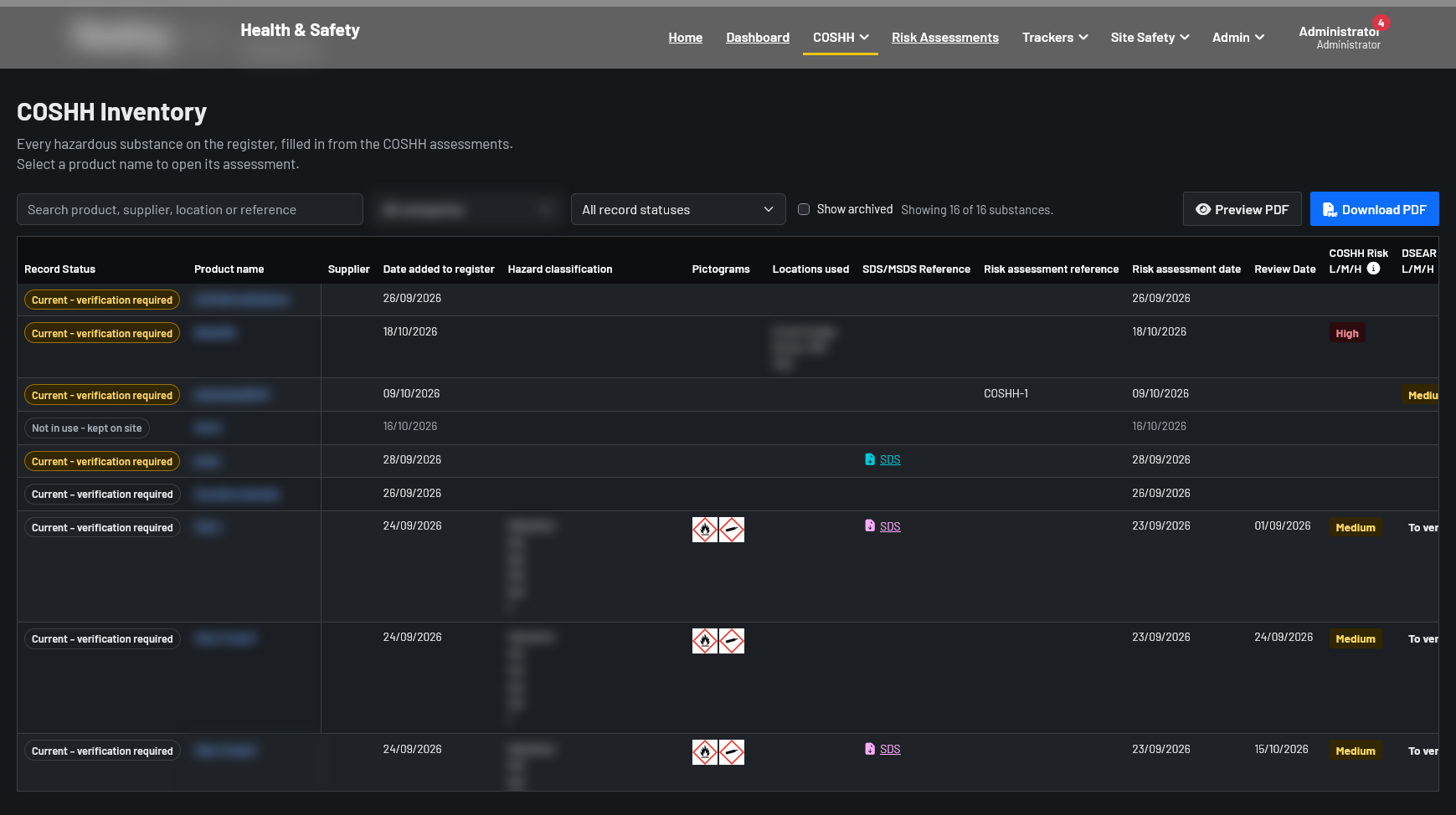
The H&S Portal is a web app I built at work to bring the company's health and safety paperwork into one place. It covers COSHH assessments, risk assessments, the COSHH inventory, equipment and facilities inspection trackers, induction packs, the H&S committee, visitor sign-in and fire roll calls, across several companies and sites. Staff sign in to manage the records, while contractors and visitors use the public sign-in page from their phones, and anyone can view the records marked as public.
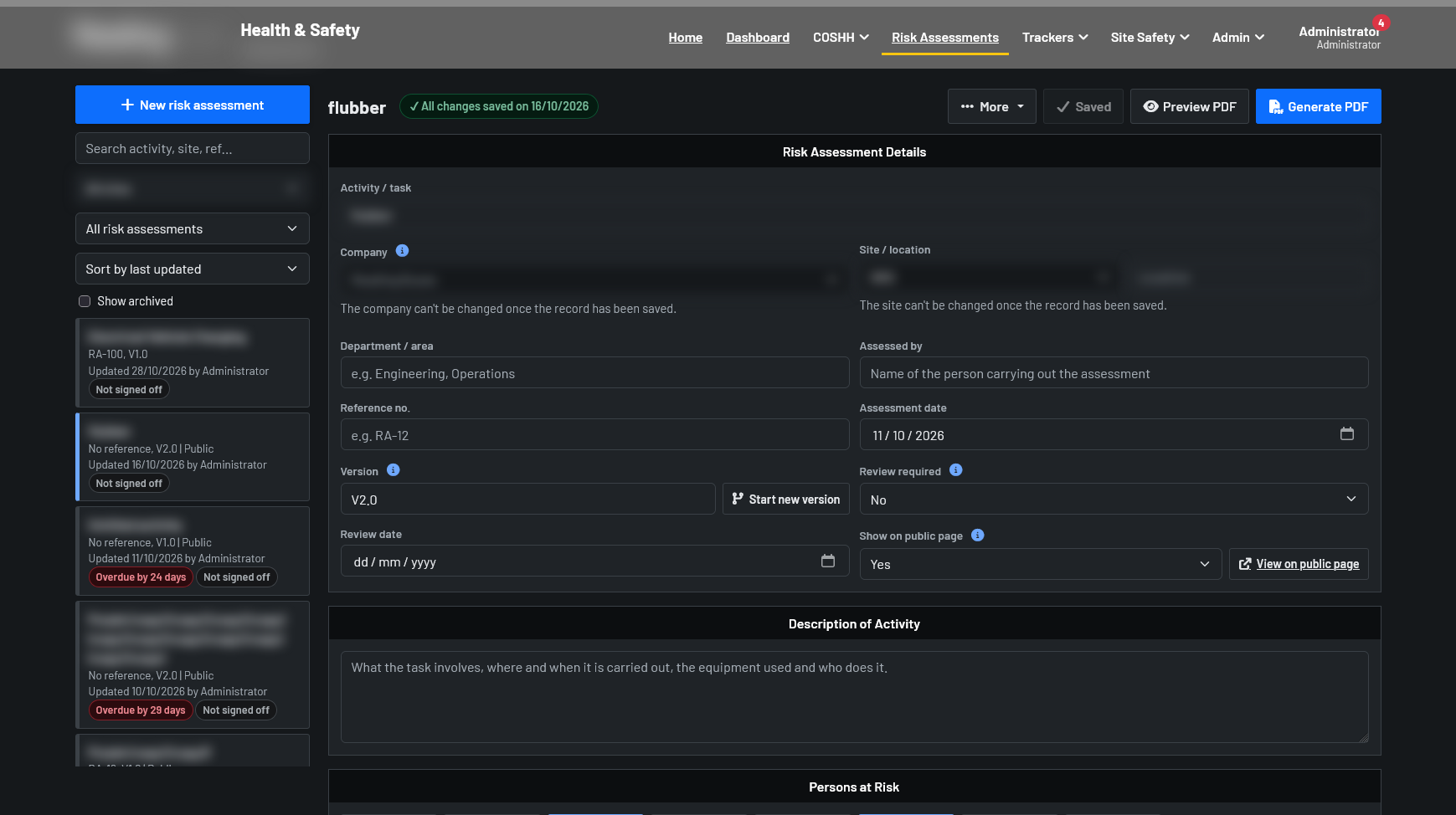
Every record is versioned and prints to a clean PDF, and PDFs of public records carry a QR code so anyone holding a printout can check it is still the current version. Branding and company details have been blurred in the screenshots on this page.
Challenge
Assessments, inspection dates and visitor sign-in sheets were spread across documents, spreadsheets and paper at each site, which made it hard to see what was due for review, which version was current, or who was on site during an evacuation.
Solution
I built a self-hosted portal in Node.js with no npm packages, so there is nothing to audit or keep patched beyond Node.js itself. Data is stored as JSON files with daily backups, staff sign in with their Microsoft work accounts, and access is set per tool and per site.
Features
COSHH & Risk Assessments
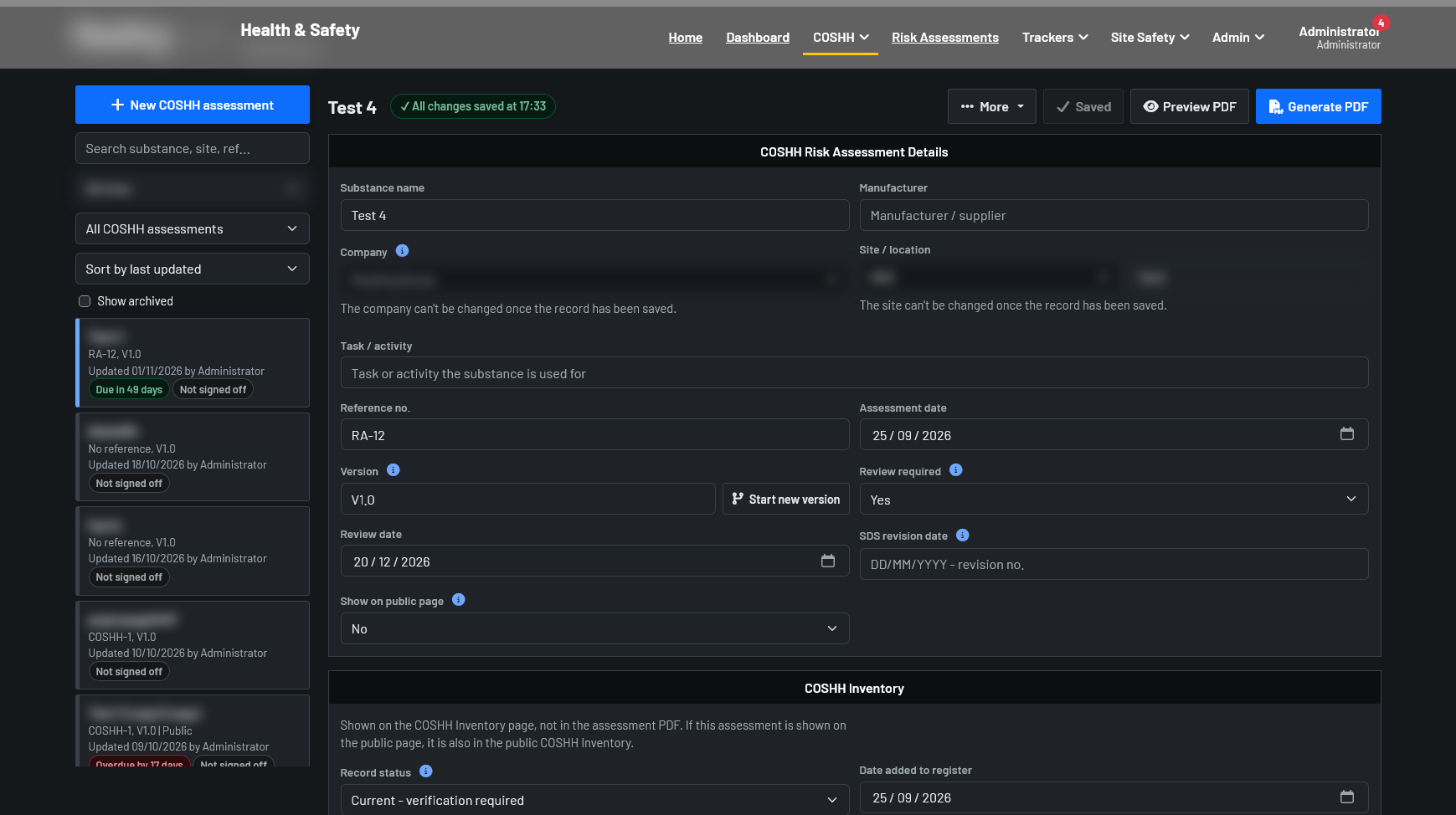
Versioned assessments with hazard and PPE pictograms, safety data sheets and further actions, each printed to a PDF that can be checked against the live record with its QR code.
Inspection Trackers
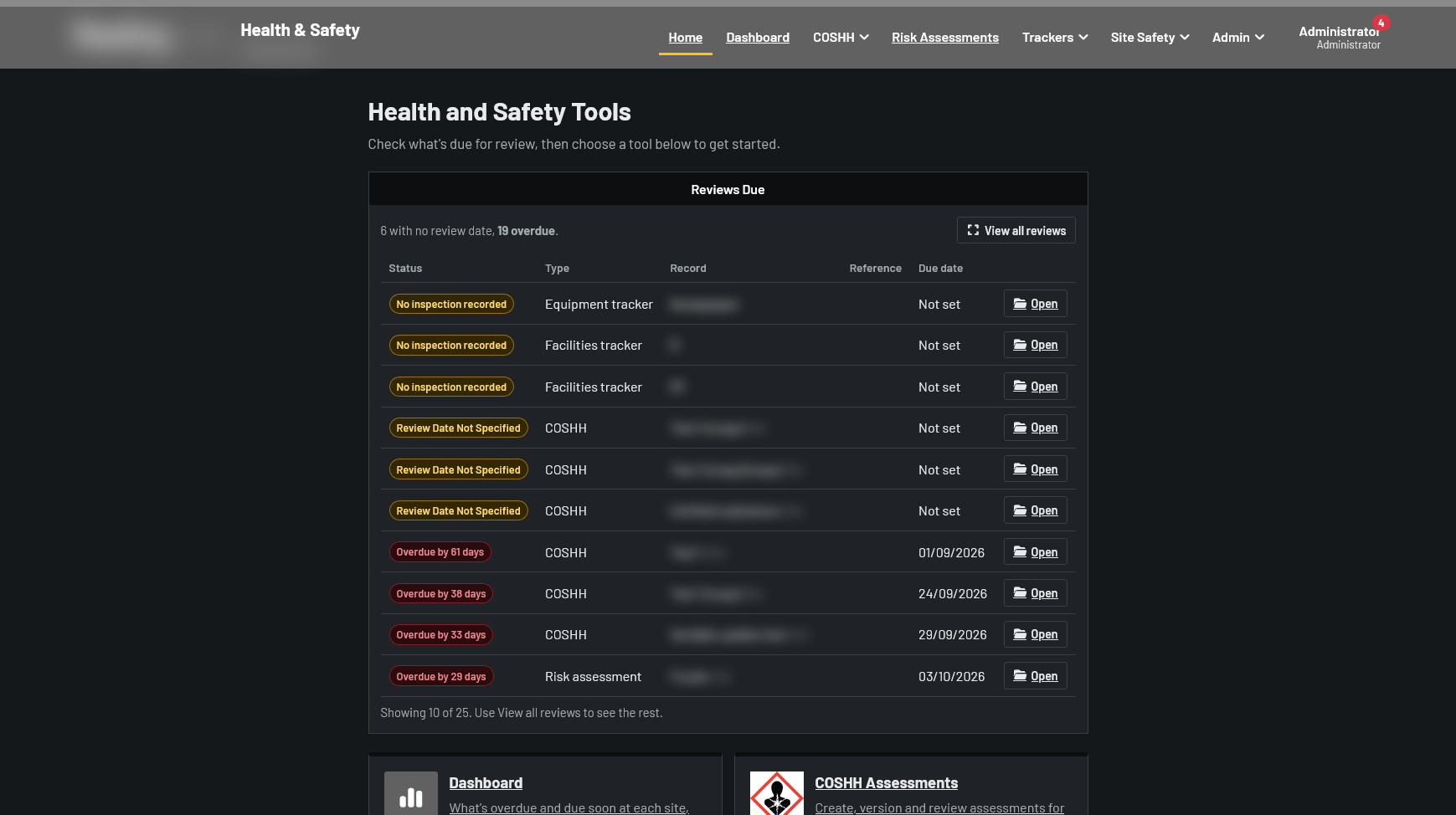
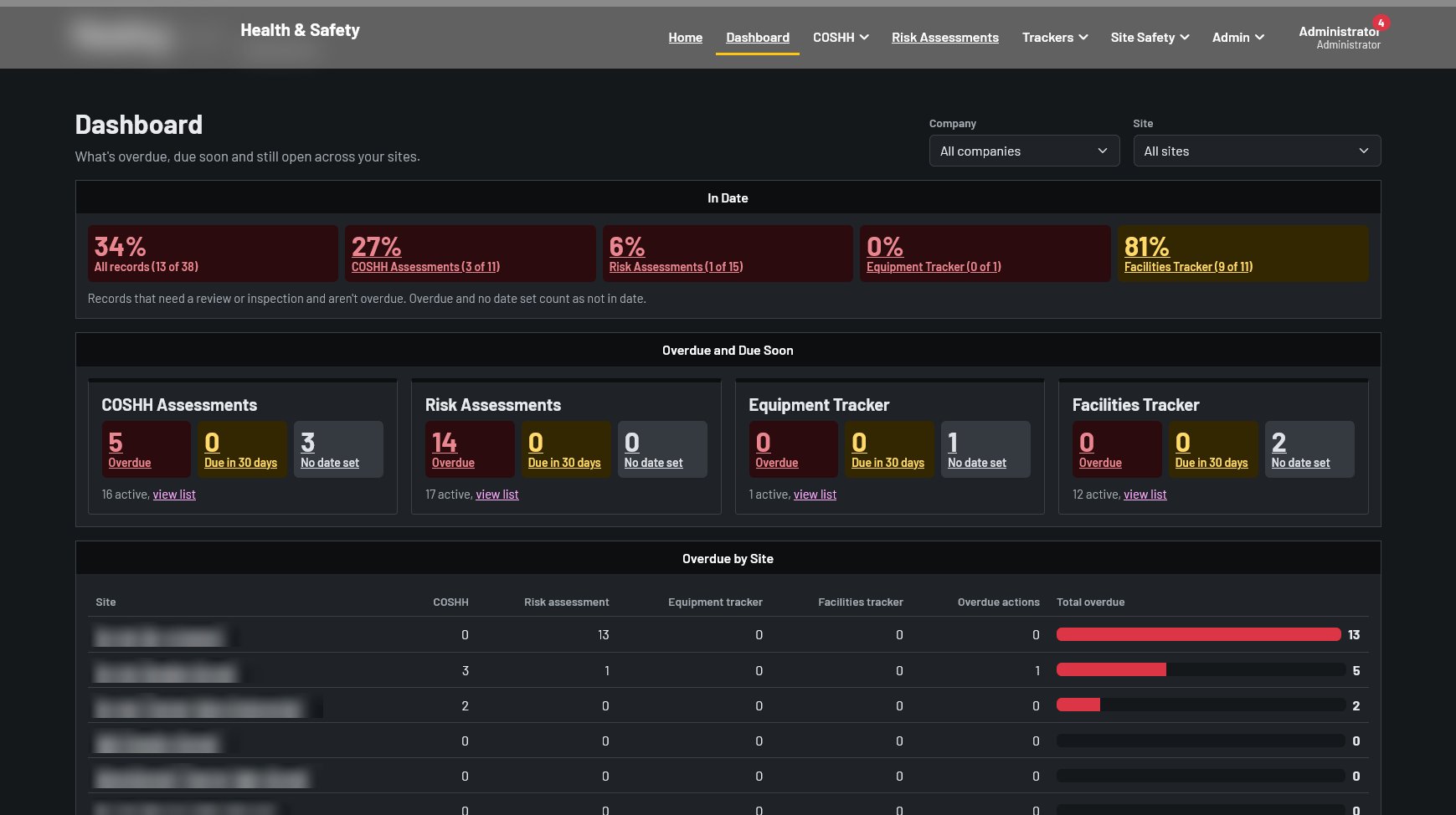
Equipment and facilities trackers for LOLER, servicing and calibration. Due dates are worked out from the last inspection, and anything overdue or due soon shows on the home page.
Visitor Sign-In
Contractors and visitors scan a QR poster at the site, agree to the site rules, sign with their finger and upload RAMS documents, all from their phone with no account needed.
Fire Roll Call
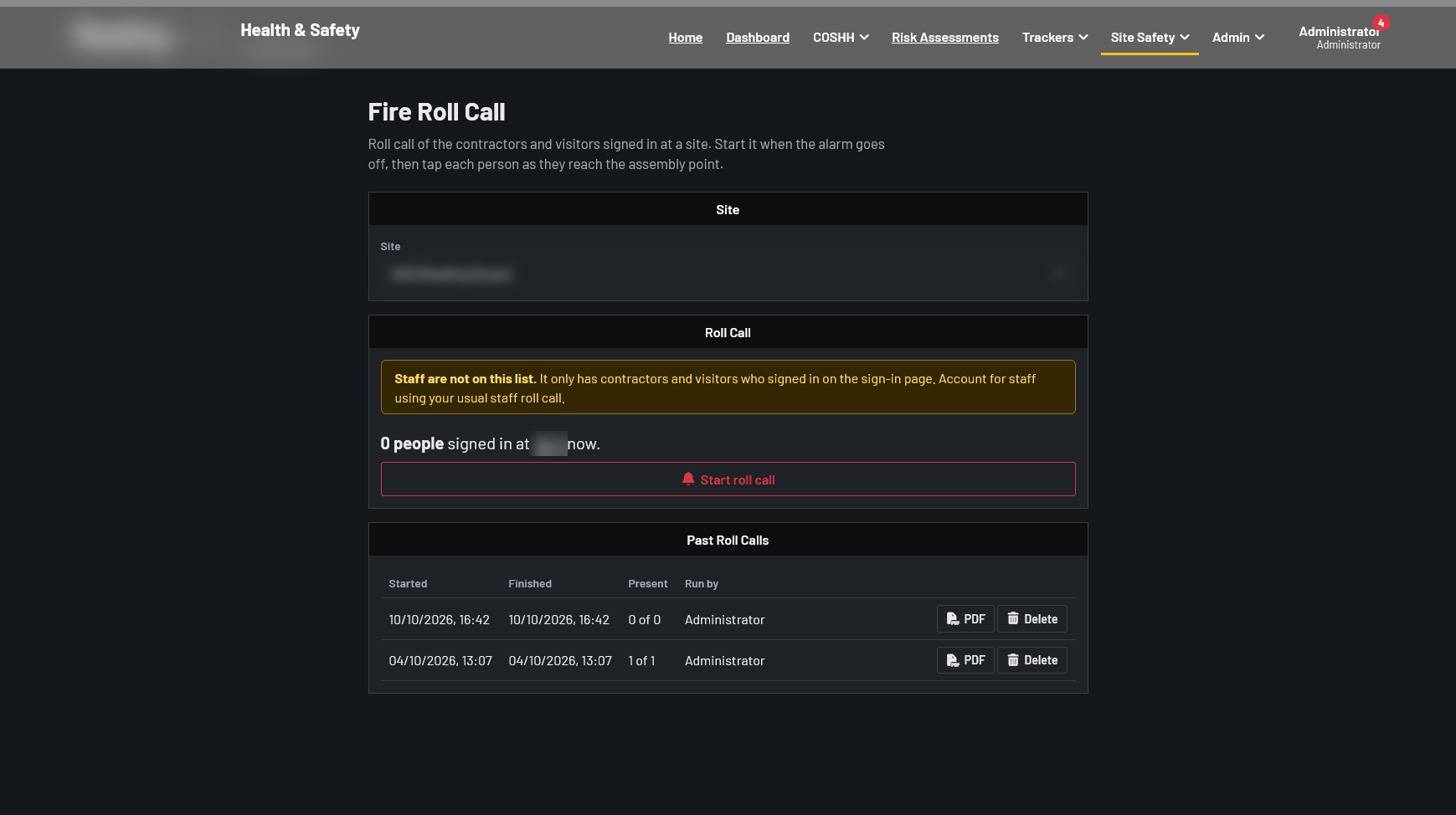
Fire wardens tick off everyone signed in at the site from their phones during an evacuation. Every warden sees the same roll call, updated every few seconds, and it is saved as a PDF afterwards.
Induction Packs
Print a sign-off sheet for a new starter listing the assessments they need to read, with saved packs for each job role that always pull in the latest versions.
My Tasks & Reminders
Committee actions, walk-around areas and inspections are assigned to people, shown under My Tasks and sent in a weekly email through Microsoft 365.
Microsoft Sign-In
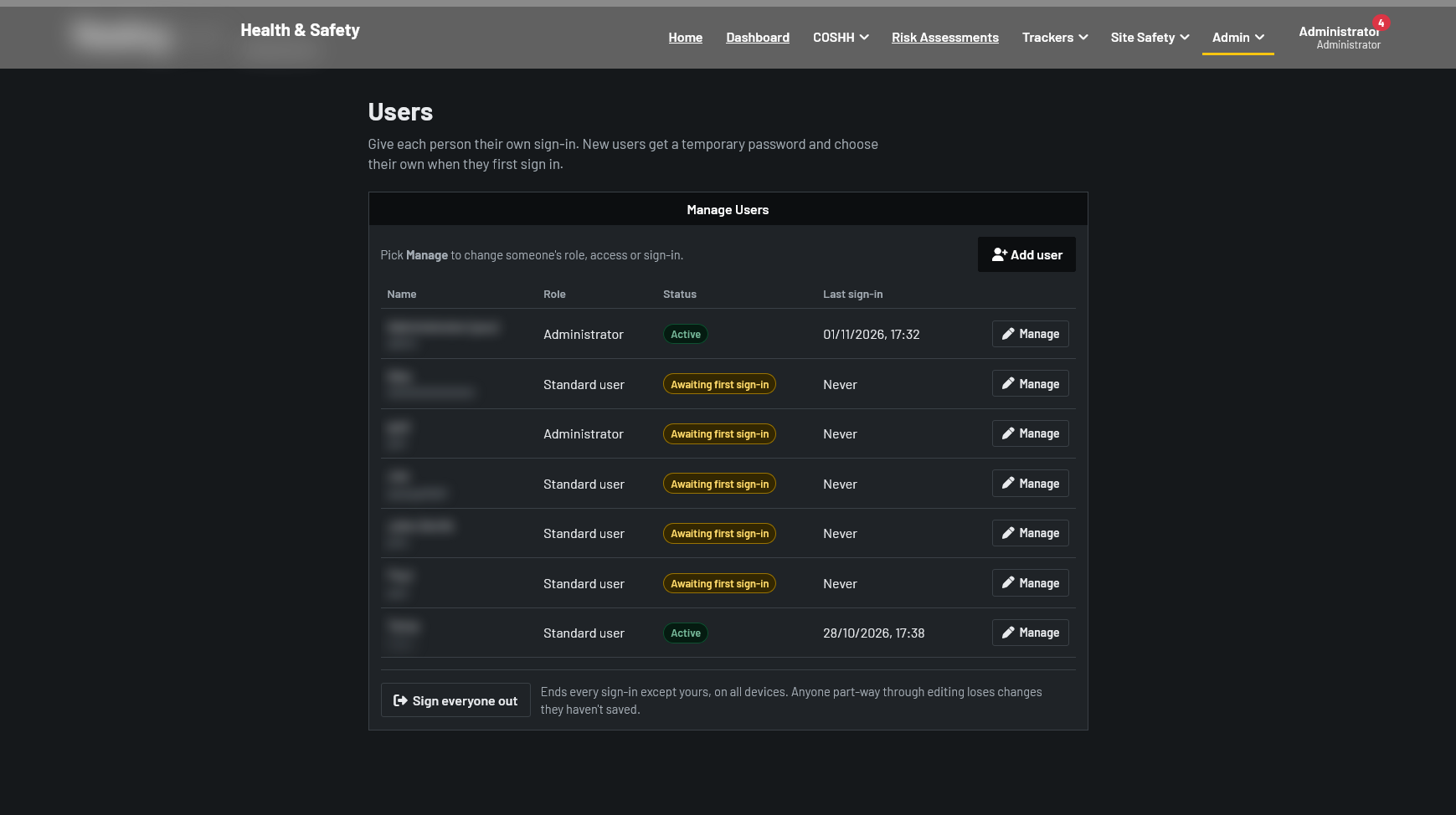
Staff sign in with their work accounts through Microsoft Entra ID, or with a password and an authenticator app, which is required for administrators.
Access & Audit Log
No access, View or Edit for each tool and each site, so people only see the records for the companies and sites they work at. Every change is recorded in the audit log.
Backups & Maintenance
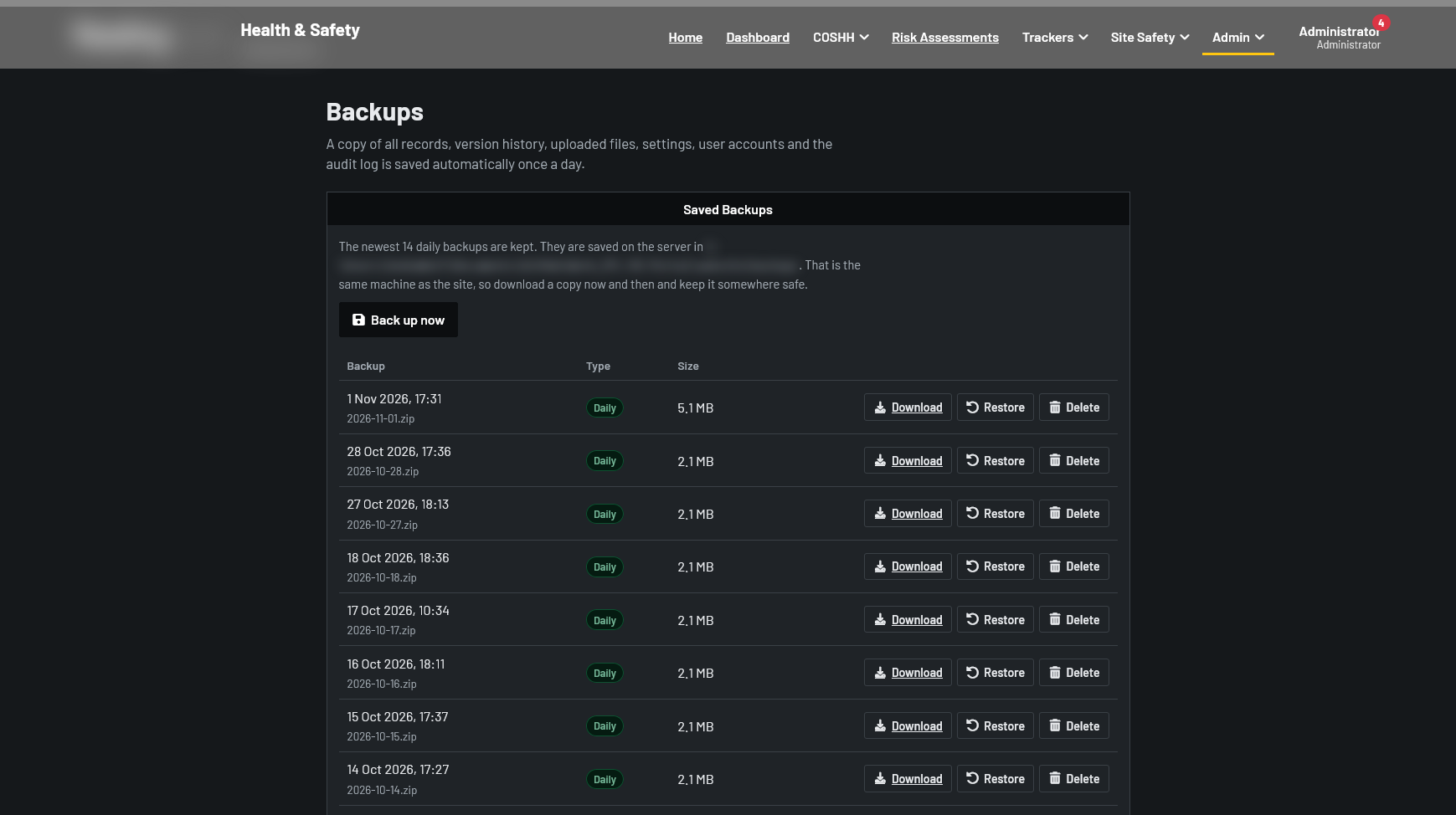
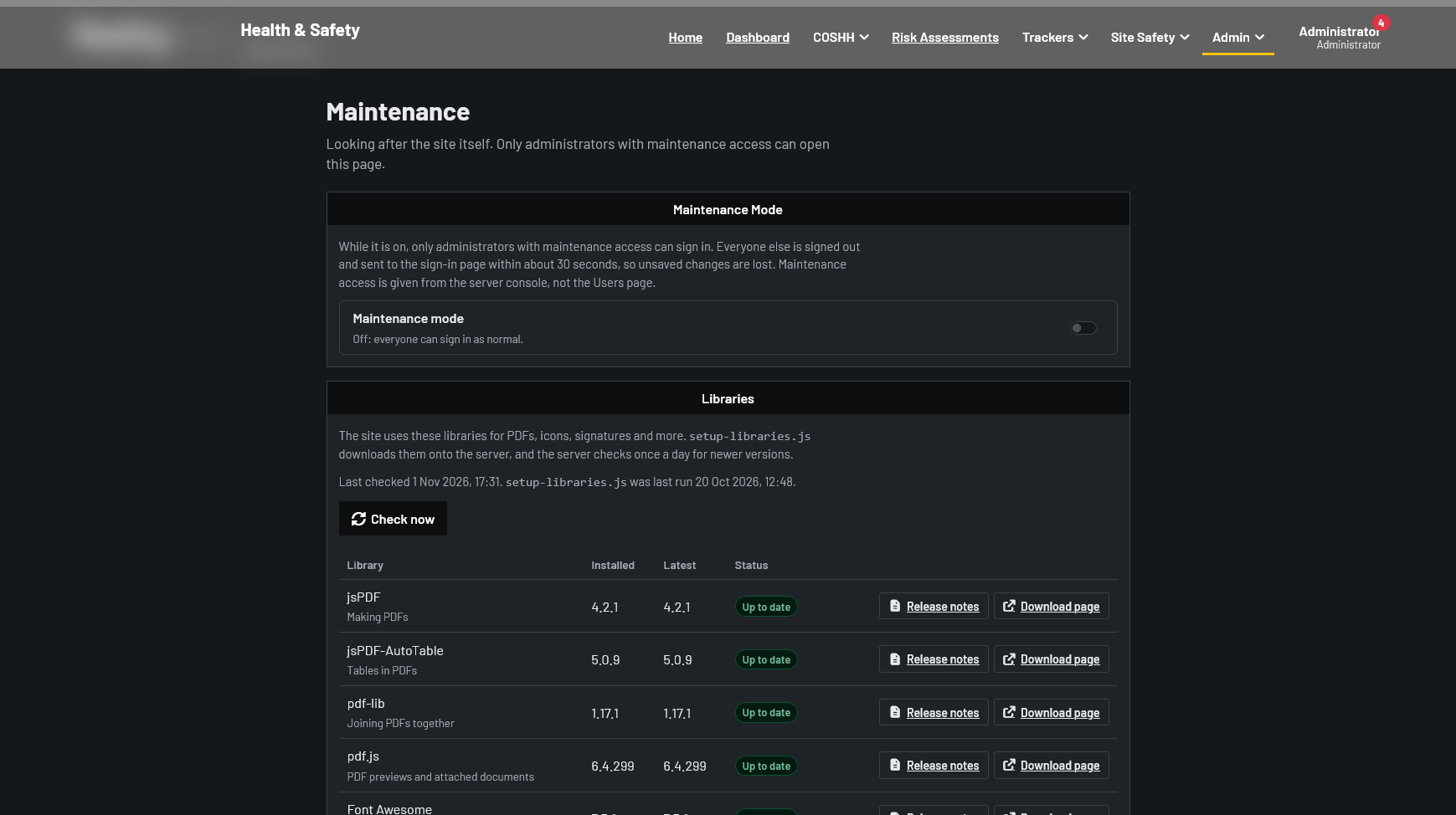
Daily zipped backups with one-click restore, a maintenance mode, and a page that checks every bundled library for new versions once a day.
Gallery
Results
The portal replaced the separate documents, spreadsheets and paper sign-in sheets with one site that shows what is due, who is responsible and who is on site.
Building it for real users taught me that the hard parts were not the forms but the rules around them: making sure people only ever see the sites they work at, that a printout can always be traced back to the right version, and that a roll call still works on a phone in a car park.
20,000+
Lines of JavaScript
0
npm Packages
8
Tools in One Portal
Figures from the project's source code as of October 2026.