
Gaming
18 November 2026
Senka's RetroArch Setup
02 February 2025

Author
Senka WolfTable of Contents
Senka's RetroArch Setup
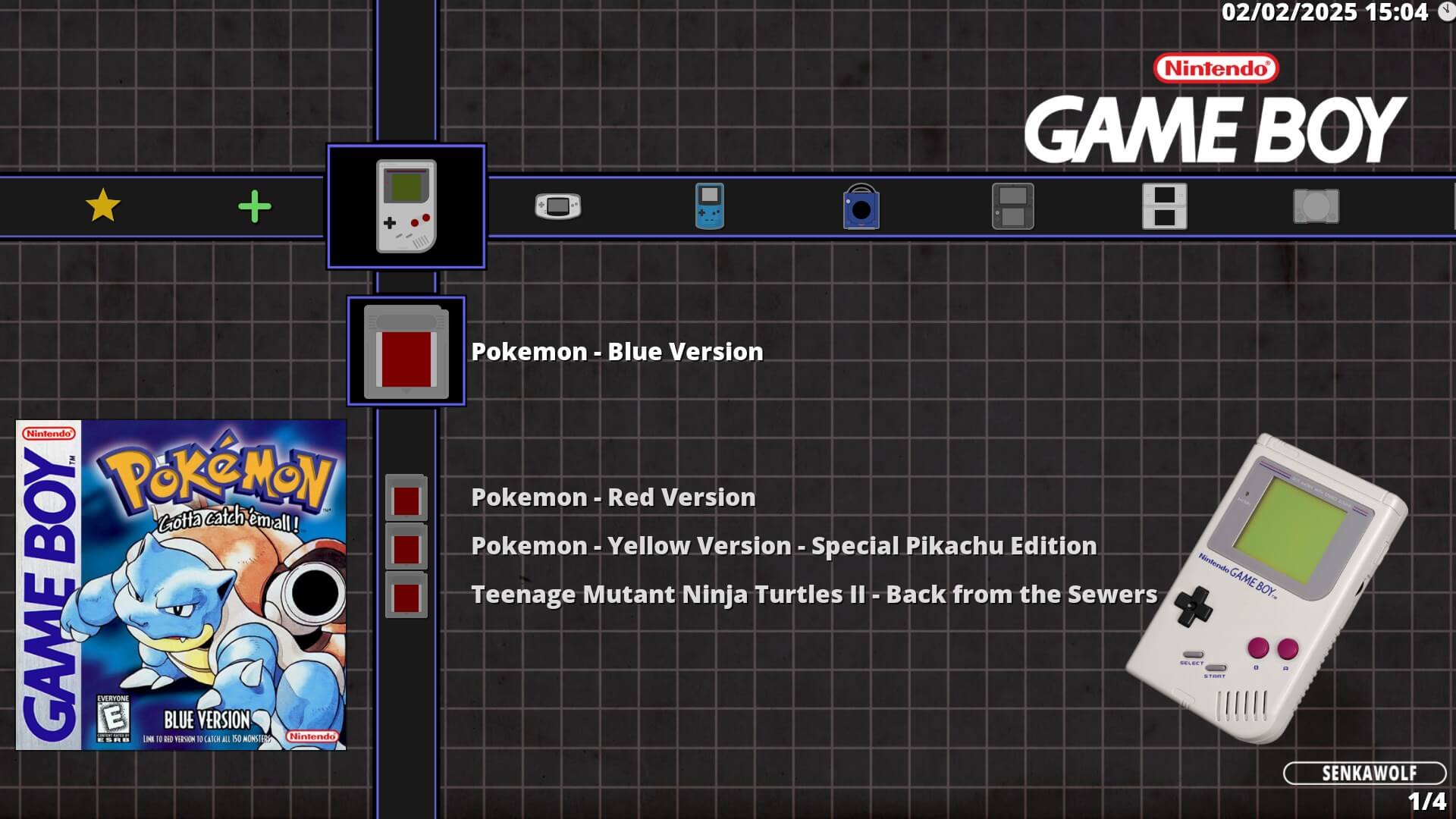
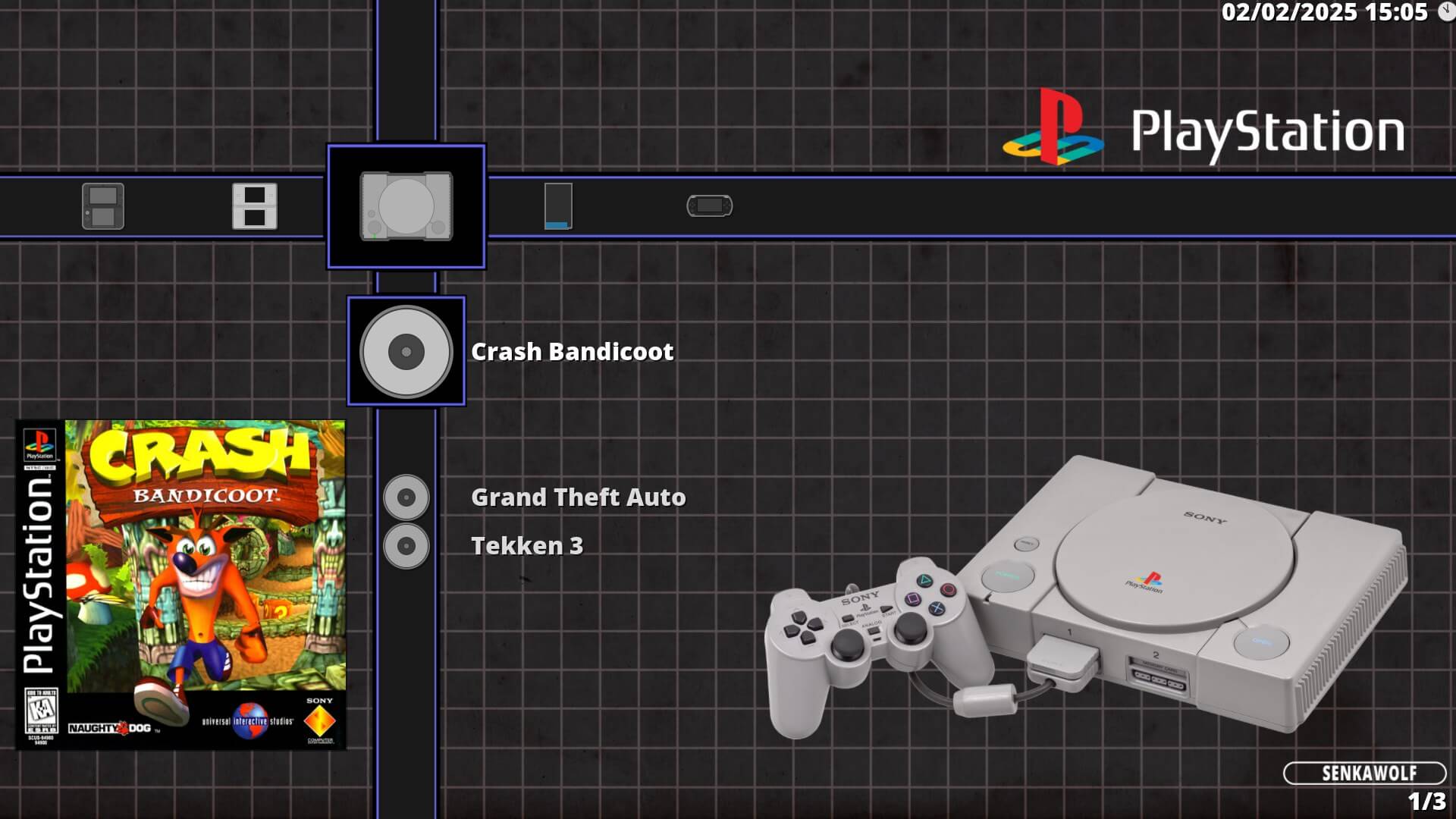
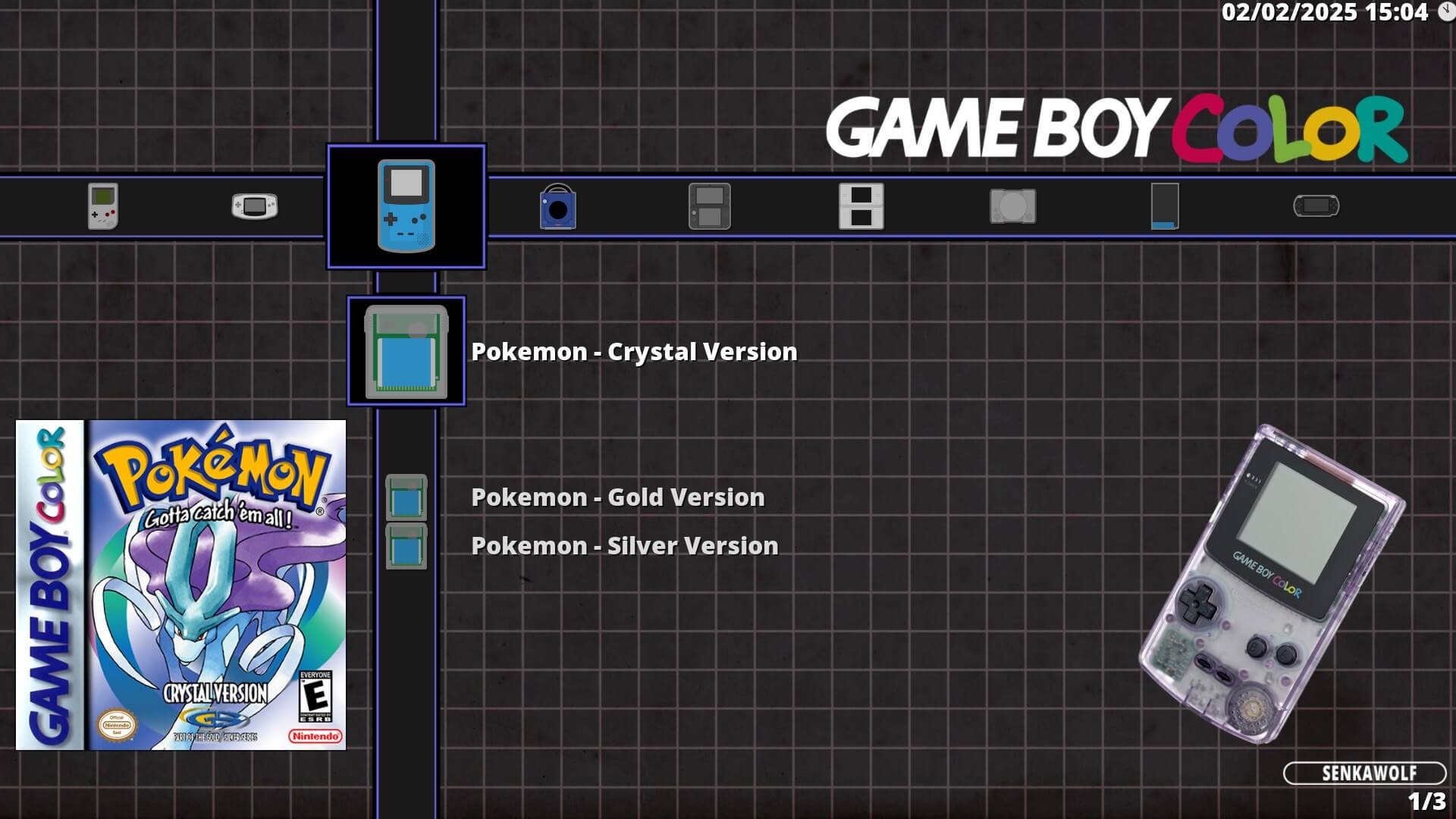
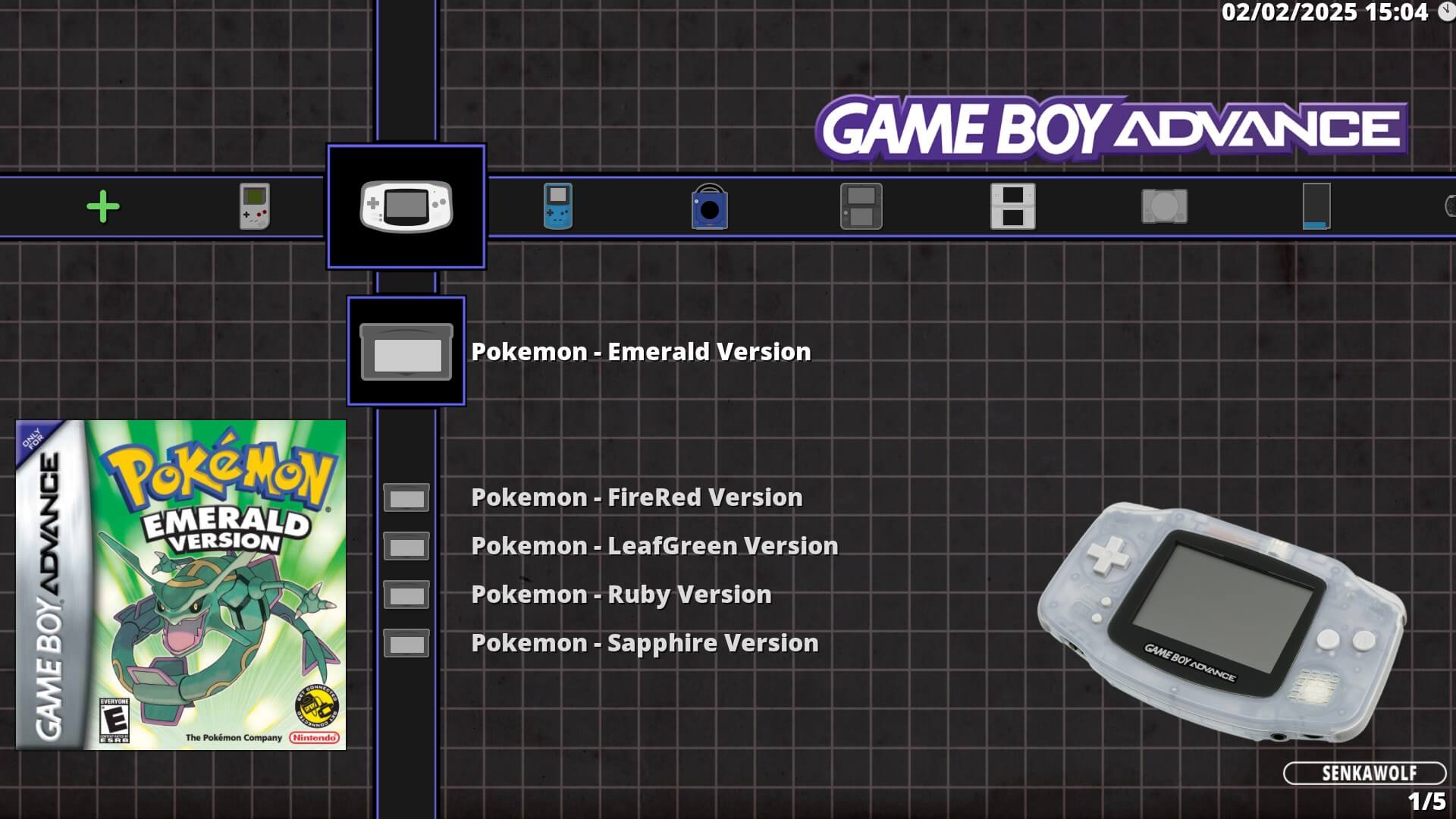
My collection of dynamic wallpapers for the RetroArch XMB menu option and icons.
Note: All titles, characters, and logos belong to their respective owners. I strive to provide proper credit in the section below. If you would like something removed, please open an issue.
Installation
Wallpapers
All wallpapers are designed to work with the XMB menu option only!
- Download this repo.
- Navigate into your root directory of your RetroArch install location and go to
[RetroArch Root]/assets/wallpapers/. - In another window open the downloaded repo and go to
RetroArch/wallpapers/then select which dynamic wallpaper pack you wish to use.- shakabello Preview View
- Copy the pack folder you selected into
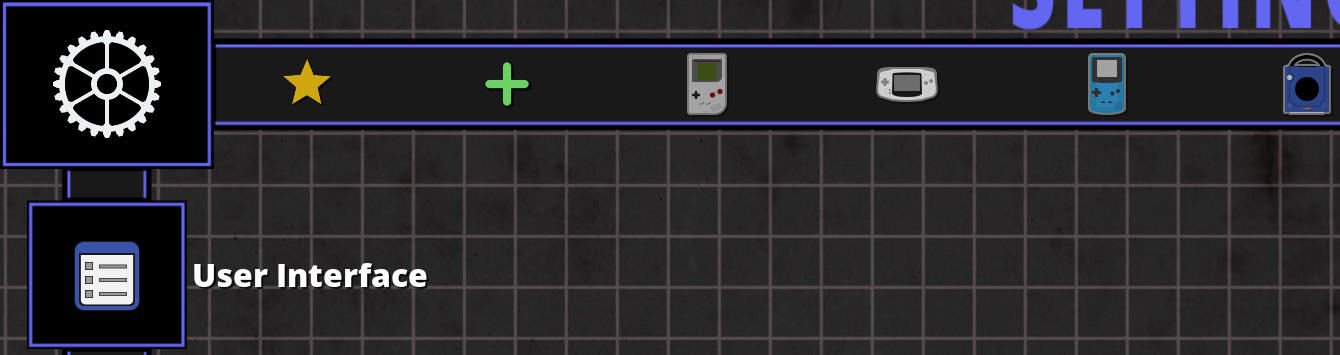
[RetroArch Root]/assets/wallpapers/folder. - Launch RetroArch and go to Settings > User Interface > Appearance.
- Scroll down and make sure the Dynamic Wallpaper setting is enabled.
- Then go back to Settings > Directory > Dynamic Backgrounds.
- Change the directory to
/assets/wallpapers/[pack-name].
Warning: The image names must match the playlist names. To verify this in RetroArch, navigate to Main Menu > Show Desktop Menu to view the playlist names. By default, they will match if you scanned your ROMs, unless you have manually created or renamed a playlist.
Icon Themes
- Download this repo.
- Navigate into your root directory of your RetroArch install location and check
[RetroArch Root]/assets/xmb/customif the custom folder already has images within it please backup this folder elsewhere then delete the contents. If the folder is empty then skip this step. - In another window open the downloaded repo and go to
RetroArch/icon themes/then select which icon pack you wish to use.- sysdaite Preview View
- Copy the images from the icon theme you selected into
[RetroArch Root]/assets/xmb/customfolder. - Launch RetroArch and go to Settings > User Interface > Appearance.
- Scroll down further to Icon Theme and select the custom option.
Configuration
Change the following settings to get the cleanest look to suit the icon and wallpaper packs.
Key: On/Change / Optional / Off
- Settings > User Interface > Show Advanced Settings On
- Settings > User Interface > Menu XMB
- Settings > User Interface > Appearance > Show Scale Factor 1.00x
- Settings > User Interface > Appearance > Background Opacity 1.000
- Settings > User Interface > Appearance > Dynamic Background On
- Settings > User Interface > Appearance > Icon Theme custom
- Settings > User Interface > Appearance > Primary Thumbnail Off
- Settings > User Interface > Appearance > Secondary Thumbnail Boxart
- Settings > User Interface > Appearance > Show Title Header Off
- Settings > User Interface > Appearance > Title Margin 0
- Settings > User Interface > Menu Item Visibility > Show History Off
- Settings > User Interface > Menu Item Visibility > Show Images Off
- Settings > User Interface > Menu Item Visibility > Show Music Off
- Settings > User Interface > Menu Item Visibility > Show Videos Off
- Settings > User Interface > Menu Item Visibility > Show Netplay Off
- Settings > User Interface > Menu Item Visibility > Show Contentless Cores Off
- Settings > User Interface > Menu Item Visibility > Show Explore Off
- Settings > User Interface > Menu Item Visibility > Style of Date and Time DD/MM/YYYY HH:MM
- Settings > User Interface > Menu Item Visibility > Date Separator /
- Settings > User Interface > Menu Item Visibility > Show Core Name Off
- Settings > User Interface > Menu Item Visibility > Show Menu Sub-labels Off
- Settings > Playlists > Manage Playlists
- Go through every playlist and change Label Display Mode to Remove () and []
Playlist Organisation
RetroArch playlists are ordered alphanumerically by default. To change them you just need to rename the playlists found in [RetroArch Root]/playlists/. Below are some examples of how you could organise your playlists.
Warning: If you rename playlists and use dynamic wallpapers, you need to update the image names to match the new playlist names.
Year of Release Method
Renaming your playlist to have the year of release at the beginning will organise it by the date.
Note: Japan, North America, Europe and Australasia have some variation for when a device was released. My release years are based on Europe.
E.g.
1990 - Nintendo - Game Boy.lpl1995 - Sony - PlayStation.lpl1998 - Nintendo - Game Boy Color.lpl2001 - Nintendo - Game Boy Advance.lpl2002 - Nintendo - GameCube.lpl2005 - Sony - PlayStation Portable.lpl
Type (Console/Handheld) - Manufacturer - Release Year Method
You could go a step further and organise by the type of device followed by the manufacturer and year. Using the table below to abbreviate you can end up with some of the examples.
| Abbreviation | Description |
|---|---|
H | Handheld |
C | Console |
SEG | Sega |
NIN | Nintendo |
SON | Sony |
MIC | Microsoft |
E.g.
CNIN2002 - Nintendo - GameCube.lplCSON1995 - Sony - PlayStation.lplHNIN1990 - Nintendo - Game Boy.lplHNIN1998 - Nintendo - Game Boy Color.lplHNIN2001 - Nintendo - Game Boy Advance.lplHSON2005 - Sony - PlayStation Portable.lpl
Credit
- shakabello wallpaper pack - A combination of lipebello and Shakalakka's wallpaper packs.
- sysdaite icon pack - This is a combination of the default systematic and daite icon packs.
Related Tags:
Related Articles
All guides
Gaming
01 November 2026
My Recommended RuneLite Plugins
iPhone
08 November 2026
Recommended iPhone Settings
Linux
08 March 2026
Managing Partitions
Linux
04 February 2026
Useful Keyboard Shortcuts
Linux
02 February 2026