Linux
08 March 2026
Useful Terminal Commands
02 February 2026

Author
Senka WolfTable of Contents
Useful Terminal Commands
Here I will list a bunch of useful commands to make a central place to search for them. They are mostly notes to help me remember them all in my Linux exploring journey.
File & Directory Management
| Command | Description |
|---|---|
ls | List files and directories |
cd | Change directory |
pwd | Show current directory |
tree | Show directory tree |
cp | Copy files/directories |
mv | Move or rename files |
File Viewing & Editing
| Command | Description |
|---|---|
cat | View file contents |
less | Paginated file viewer |
more | Basic file viewer |
head | Show first lines |
tail | Show last lines |
watch | Run command repeatedly |
nano | Simple text editor |
vim / vi | Advanced text editor |
Search & Text Processing
| Command | Description |
|---|---|
find | Search files |
locate | Fast file search |
grep | Search text |
awk | Pattern scanning |
sed | Stream editor |
cut | Extract columns |
sort | Sort text |
uniq | Remove duplicates |
wc | Word/line count |
Process & System Monitoring
| Command | Description |
|---|---|
ps | Show processes |
top | Live process list |
htop | Enhanced process viewer |
btop | Enhanced process viewer |
uptime | System run time |
free | Memory usage |
df | Disk usage |
du | Directory size |
kill | Stop a process |
killall | Kill by name |
systemd-analyze | Analyze boot performance |
systemd-analyze blame | Analyze boot performance ordered by the time they took to initialise |
Networking
| Command | Description |
|---|---|
ip a | Network interfaces |
ip r | Routing table |
ping | Test connectivity |
ss | Socket statistics |
curl | HTTP requests |
wget | Download files |
scp | Secure copy |
ssh | Remote login |
nc | Netcat |
Package Management
Debian / Ubuntu (APT)
| Command | Description |
|---|---|
apt update | Update package list |
apt upgrade | Upgrade packages |
apt install | Install package |
apt remove | Remove package |
Fedora / RHEL (DNF)
| Command | Description |
|---|---|
dnf install | Install package |
dnf update | Update packages |
dnf remove | Remove package |
Arch (pacman / yay / paru)
| Command | Description |
|---|---|
pacman -Syu | Update system |
pacman -S | Install a package |
pacman -R | Remove a package |
pacman -Rs | Remove package and unneeded dependencies |
pacman -Rns | Remove package, unneeded dependencies, and config files |
pacman -Ss | Search packages |
pacman -Qi | Package information |
pacman -Qs | Search installed packages |
pacman -Sc | Clean package cache |
yay -Syu | Update system & AUR packages |
yay -S <pkg> | Install a package from repos or AUR |
yay -R <pkg> | Remove a package |
yay -Ss <pkg> | Search for a package |
yay -Qi <pkg> | Show package info |
yay -Qs <pkg> | Search installed packages |
yay -Sc | Clean package cache |
paru -Syu | Update system & AUR packages |
paru -S <pkg> | Install a package from repos or AUR |
paru -R <pkg> | Remove a package |
paru -Ss <pkg> | Search for a package |
paru -Qi <pkg> | Show package info |
paru -Qs <pkg> | Search installed packages |
paru -Sc | Clean package cache |
openSUSE (Zypper)
| Command | Description |
|---|---|
zypper refresh | Refresh repositories |
zypper update | Update packages |
zypper install | Install a package |
zypper remove | Remove a package |
zypper remove --clean-deps | Remove package and unused dependencies |
zypper search | Search for a package |
zypper info | Package information |
zypper repos | List repositories |
Disk & Hardware
| Command | Description |
|---|---|
lsblk | List block devices |
mount | Mount filesystem |
umount | Unmount filesystem |
blkid | Show UUIDs |
dmesg | Kernel messages |
Logs & System Info
| Command | Description |
|---|---|
journalctl | View system logs |
uname -a | Kernel info |
hostnamectl | Hostname info |
lsusb | USB devices |
lspci | PCI devices |
Shell & Utilities
| Command | Description |
|---|---|
history | Command history |
clear | Clear terminal |
exit | Exit shell |
stow | Manage dotfiles using GNU Stow |
Version Control & Git
| Command | Description |
|---|---|
git status | Show current repo status |
git add --all | Stage all changes |
git commit -m "" | Commit staged changes |
git push | Push commits to remote repository |
Related Articles
All guides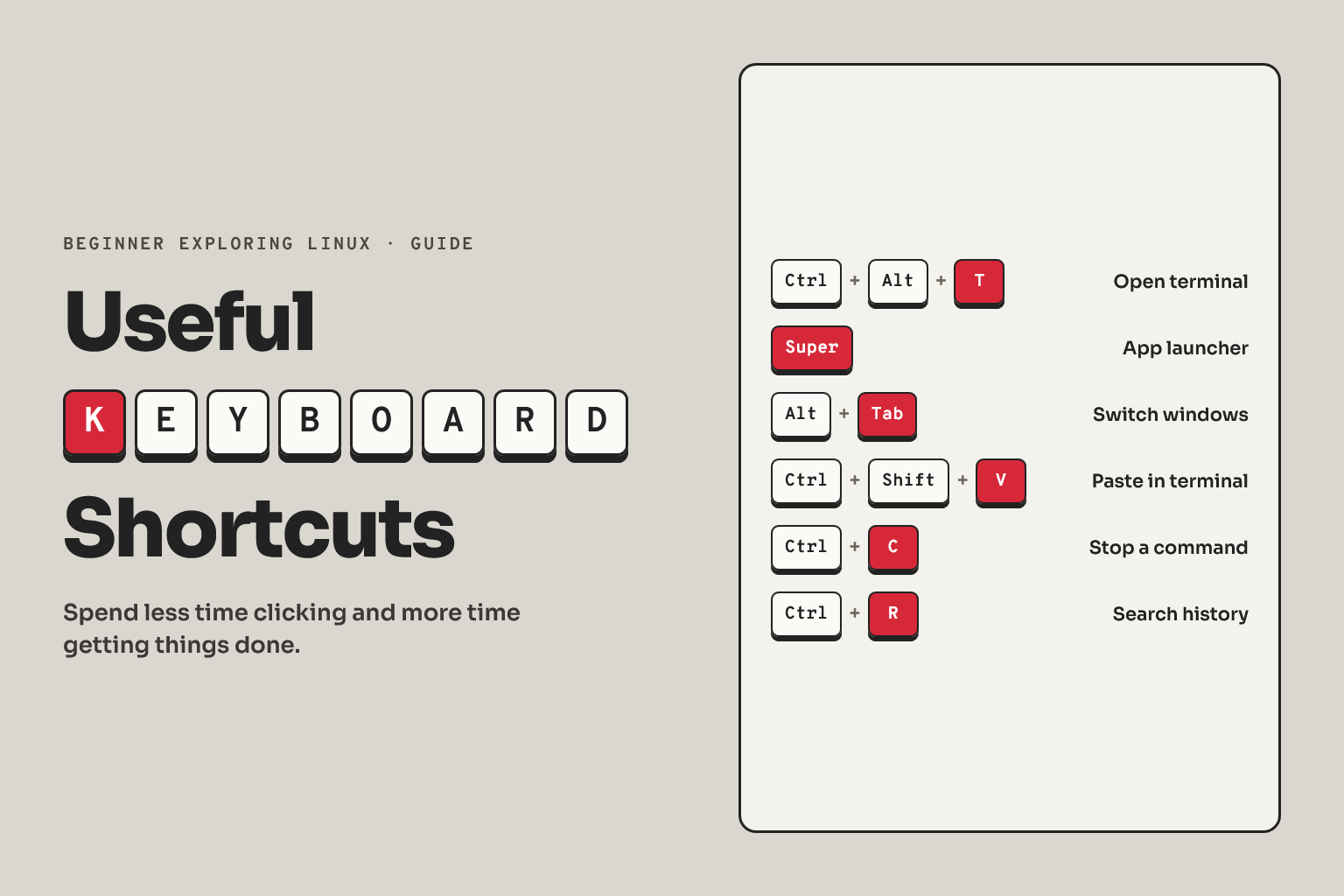
Linux
04 February 2026
Useful Keyboard Shortcuts
Linux
02 February 2026
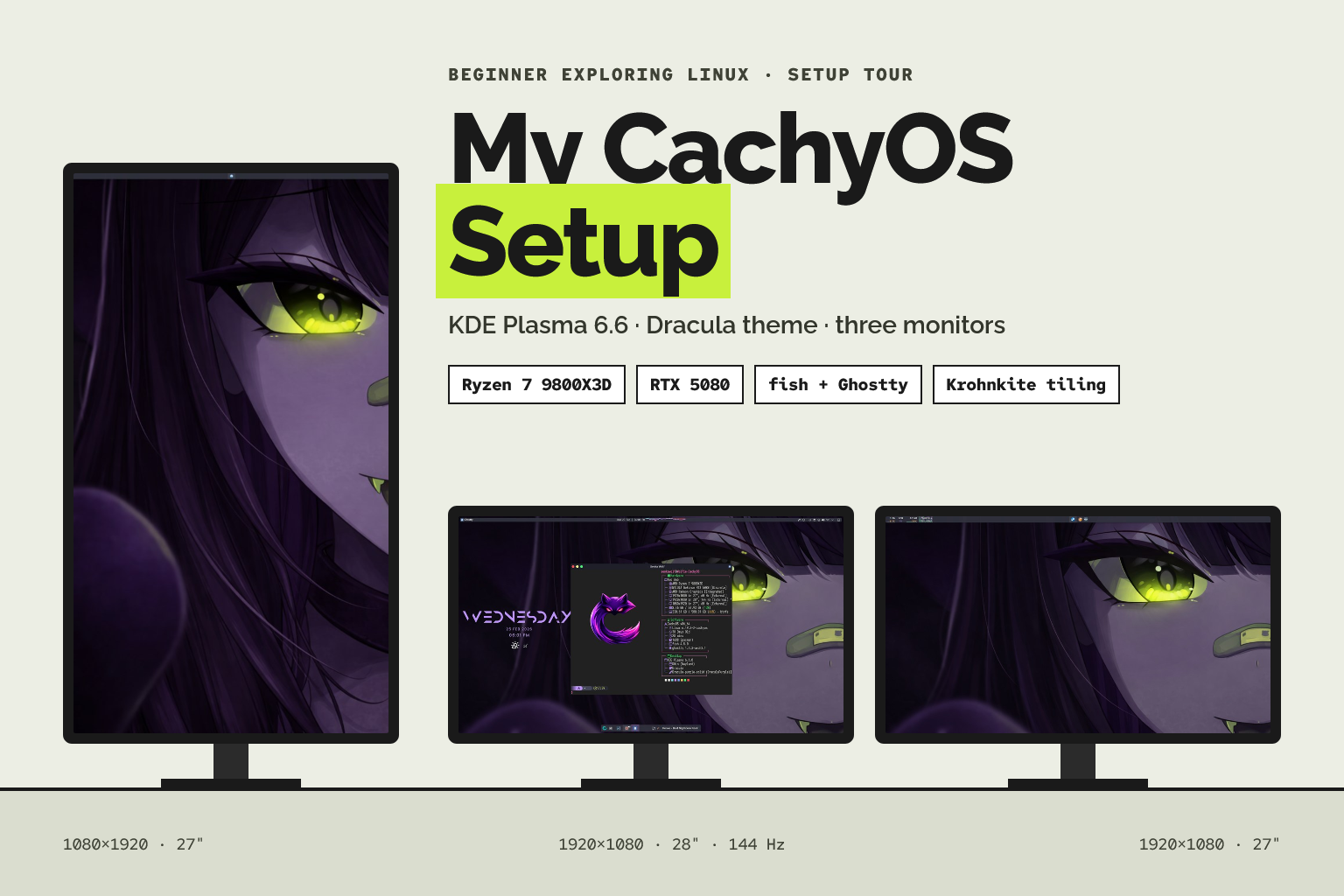
Senka's CachyOS Plasma KDE Setup
Linux
25 January 2026
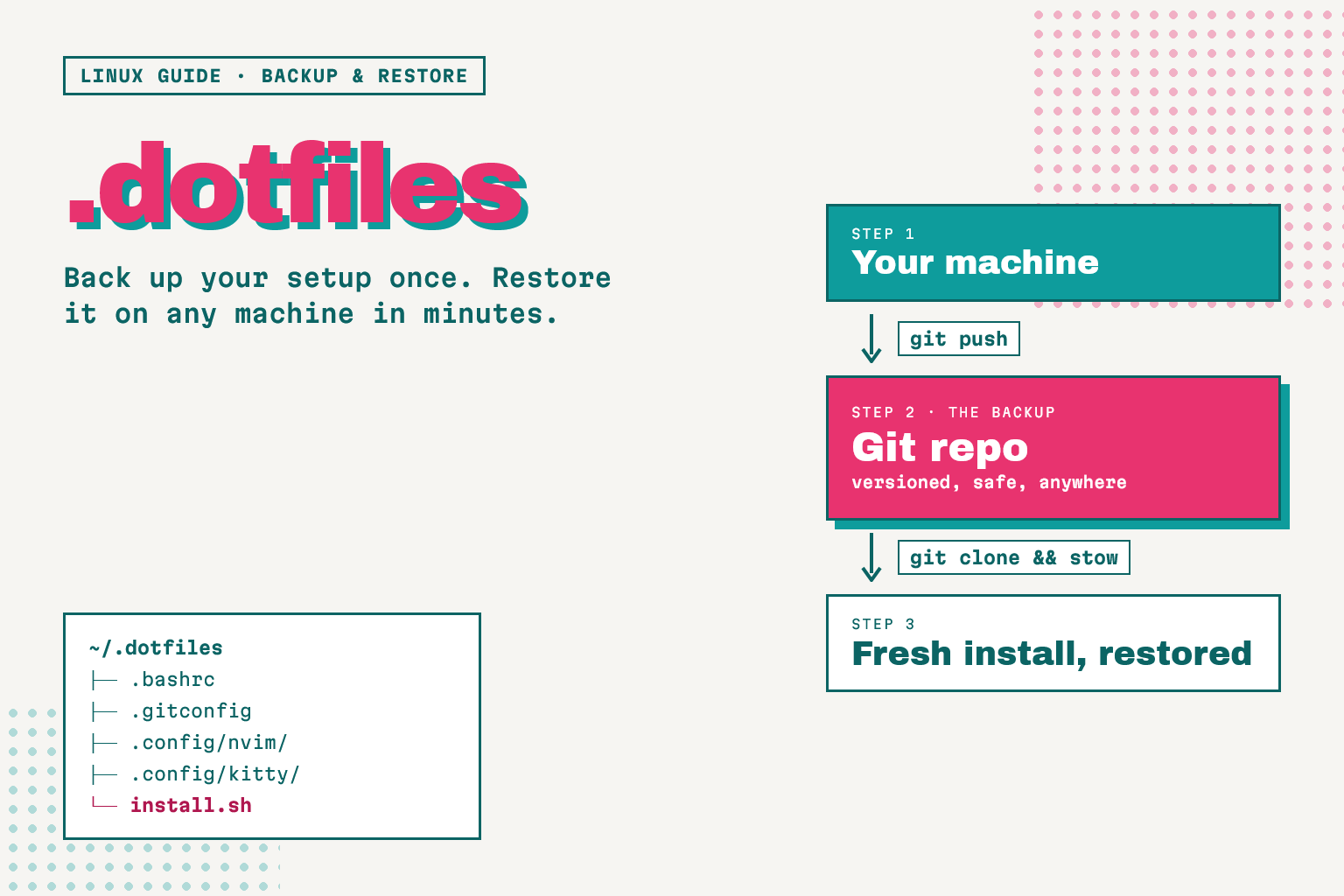
Managing Dotfiles
Linux
23 January 2026
Arch Package Installation Basics

Linux
21 January 2026